Your plan and goalsExplained
How your walking plan works
Your plan is a week of walks on the days you said suit you, built from your setup answers. The Plan tab shows this week and the next few; Today shows the walk for today with a button to start it.
What’s in your plan
Mova builds your plan from your setup answers: your goal, how active you are now, how long you can comfortably walk, how many days suit you and which ones, where you walk and how fast you’d like to build up. It puts walks on your chosen days, and leaves the other days free. A walk can be outdoors, indoors, on a treadmill or seated, depending on what you told Mova.
Some days have two or three shorter walks instead of one longer one, if that’s how you said you like to fit walking in. Mova calls this shorter walks that add up.
The Plan tab
At the top you see This week with its dates, and a row of seven days. Dots under a day show how many walks are planned that day. Tap a day to see its walks.
Under the days:
- The week at a glance: a short title for the week (for example Finding your rhythm in your first week), the number of Walking days, Walks and Planned minutes, and how many walks you’ve done.
- The day you picked: each walk with its length and type. Today’s next walk has Start workout, and often an alternative such as Or on a treadmill or Or indoors.
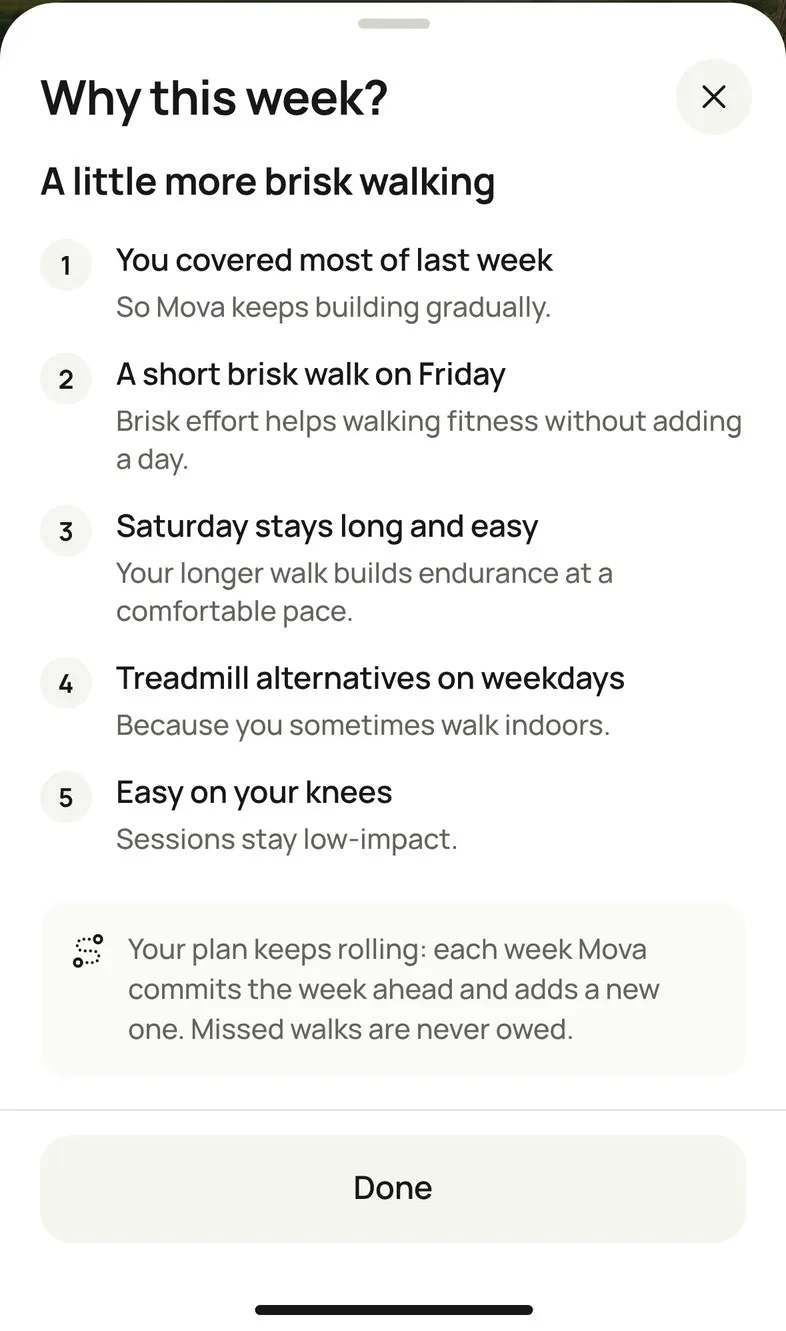
- Why this week? at the bottom: tap it to see the reasons behind this week’s plan.
Use the arrows next to This week to look ahead. Weeks further out are marked Likely plan: they can still change as you walk (see How your plan changes from week to week).
What each walk says
| On a walk | Means |
|---|---|
| Done · 20 min | You did it. |
| Counted by your Free Walk / Counted by another workout | Something else you did counted for it. See When a walk counts toward your plan. |
| Part of today’s session (today) / Partly done (earlier days) | You started it but finished early. |
| Not walked · nothing to make up | The day has passed. Missed walks are never added to later days. |
| Skipped · nothing owed | You skipped it. |
| Optional · a very active day | Your everyday steps were already high, so this one is a bonus. |
| Later today | Another walk planned for later today. |
Today
Today shows Today’s session with the walk’s length and type, and a button such as Start Japanese Walking. On days with more than one walk you also see which one this is, for example 1 of 2. When everything is done you’ll see Today’s walk done, with Walk again if you’d like to go again.
On days without a walk, Today says No planned session. Everyday walking still counts toward your step goal, and you can start a Free Walk any time.
When your plan starts
If enough of the current week is left when you finish setup, week one starts straight away. Otherwise it starts next week, and Today shows Your plan starts with the day. Until then, everyday walking still counts.
One plan at a time
If you start a Program, it takes the place of your personalized plan until it ends; your plan is paused, not lost. See Programs.
Didn’t solve it?
Email support@movawalk.com. From the app, Profile & settings › Help & support › Contact support adds your app version and support reference.