Getting startedHow-to
Set up Mova: your questions and your first plan
The first time you open Mova, you answer a few minutes of questions about your goal, your walking today and your week. Mova then builds your walking plan and shows it to you before you choose a membership.
1. Start on the Welcome screen
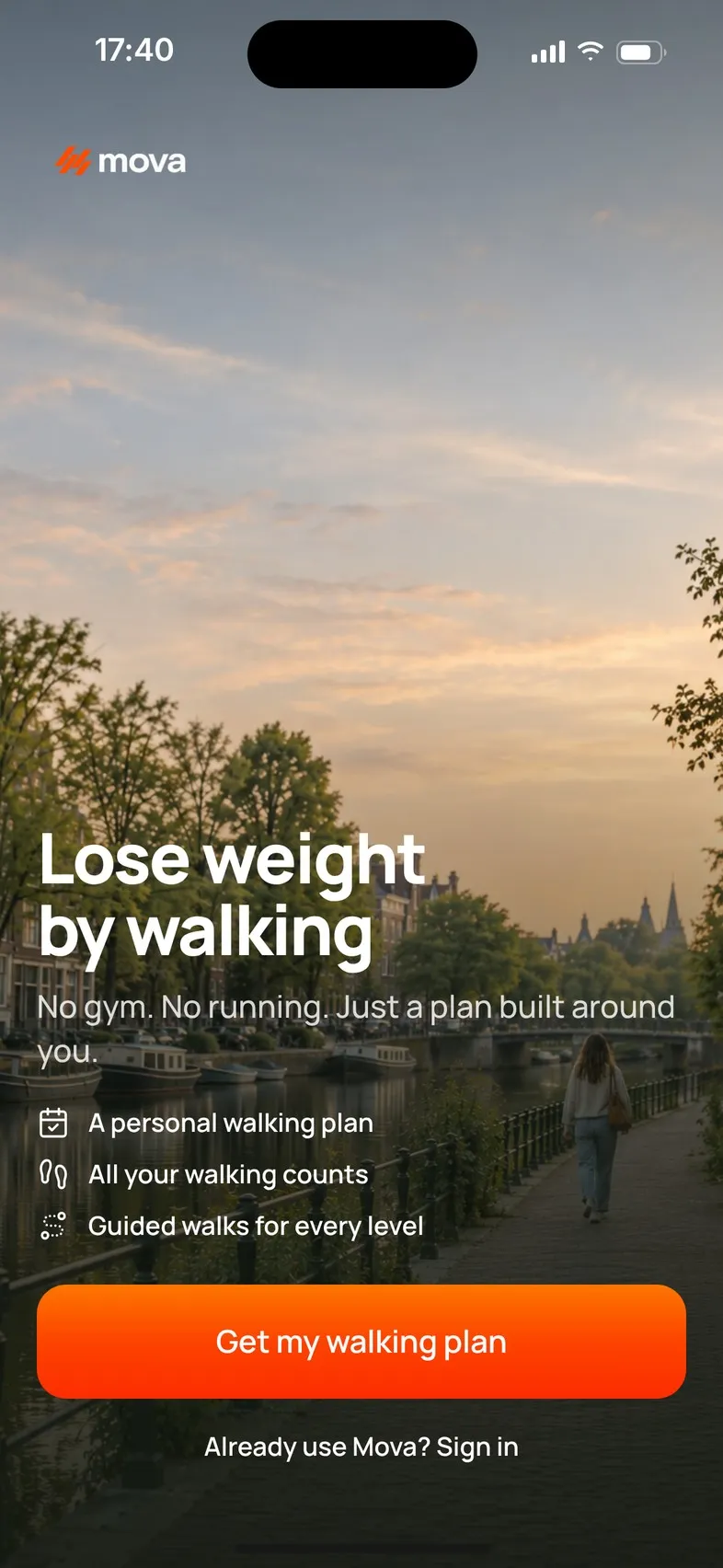
Open Mova and tap Get my walking plan. If you already have a Mova account, tap Already use Mova? Sign in instead (see Signing in and out).
2. Answer the questions
One question per screen, with a bar at the top that fills as you go. It takes about five minutes. Mova asks about:
- Your goal: lose weight, become more active, or improve your walking fitness, and what matters to you about it.
- About you: your first name (you can tap Skip for now), sex assigned at birth, age, height and current weight. These set realistic goals and Mova’s energy estimates. If your goal is to lose weight, Mova also shows your starting point and asks whether you have a target weight; I don’t want a numerical target is always an option.
- Your walking today: how active you are, your usual steps, how long you can comfortably walk, and how your normal pace feels.
- Anything to consider: for example knee, hip or back discomfort, balance, or advice from a healthcare professional. This isn’t a diagnosis. It helps Mova choose gentler options.
- Your week: how many days can realistically fit walking, how long one walk can be, how you like to fit walking into your day, which days work best, and where you’ll walk (outdoors, indoors or both, and whether you have a treadmill).
- Your preferences: what you’d like Mova to include, and how it should build you up: Gentle, Steady or Challenging.
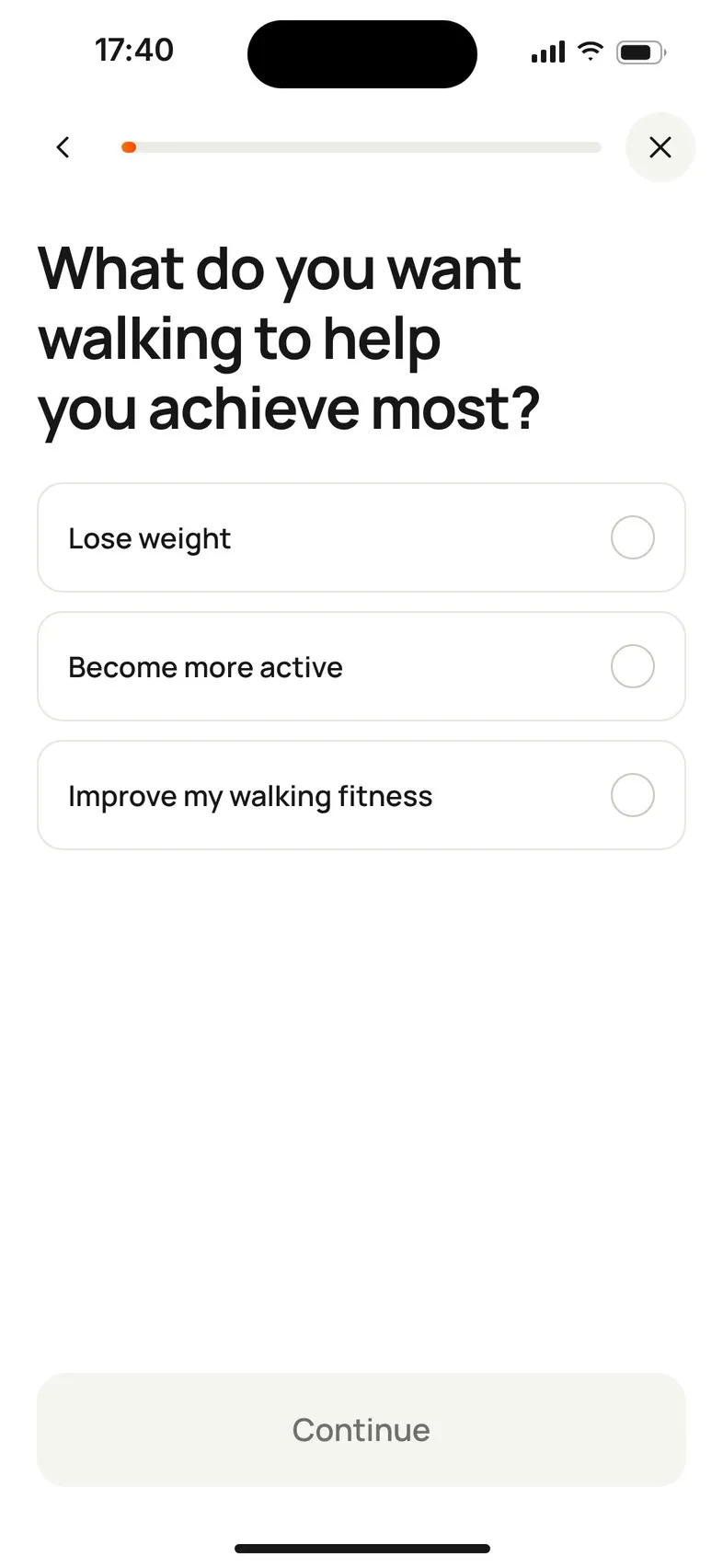
Some questions are optional; you can tap Continue without choosing anything. Every answer is saved on your phone as you go.
Your health information
Partway through, Mova asks you to agree that it uses your health information to build and adapt your plan: tick I agree that Mova uses my health information to build and adapt my walking plan. Mova can’t make a plan without it. If you tap I don’t agree, you can Go back, or Leave and delete my answers.
If Mova stops you
- Under 18: Mova is designed for adults. If you entered your age by mistake, tap Change my age.
- Pregnant or recently postpartum: Mova isn’t designed for pregnancy or the months after giving birth, and asks you to follow the advice of your midwife, doctor or other healthcare professional. If you chose this by mistake, tap Change my answer.
3. Take a break, or start over
Tap ✕ (top right) at any time. Your answers stay saved on this phone, and the Welcome screen then shows Continue my plan. To begin again instead, tap Start over and confirm: the answers on this phone are deleted.
4. Build your plan
On the last screen, check the summary and tap Build my plan. Mova shows how your answers shape your starting point, your walking capacity, your week, your preferences and how you’ll progress.
Then you’ll see Your walking plan is ready: your starting daily step goal, how many walks a week, how many minutes to start, and your progression.
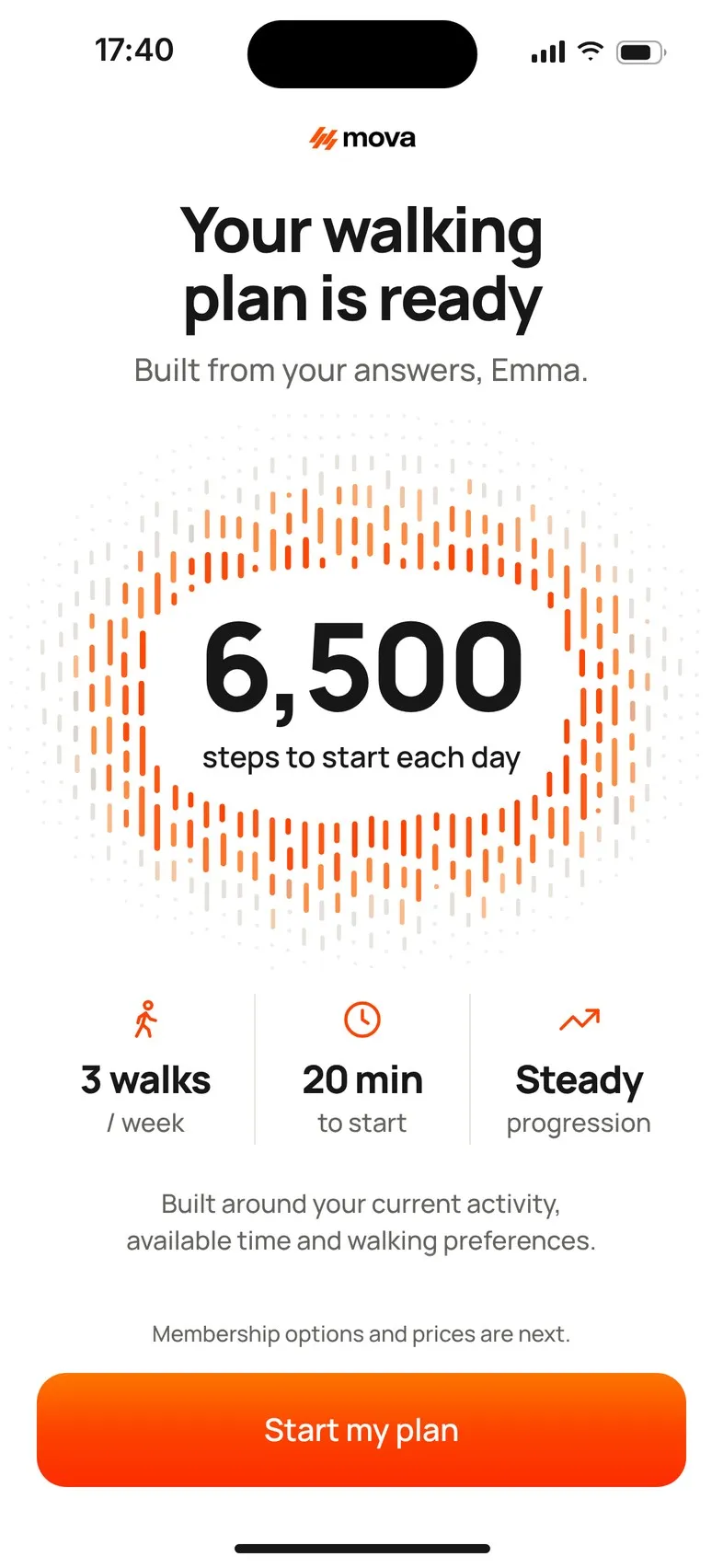
To change an answer at this point, swipe back (iPhone) or use Back (Android): you return to your answers and Mova builds the plan again.
5. Choose a membership
Tap Start my plan to see the membership options and prices from the App Store or Google Play. After you choose, Mova helps you create your account, connect Health and set reminders: see After you subscribe.
Changing your answers later
You can change your name, age, sex, height and current weight in Profile & settings › Personal details, and your daily step goal and target weight in Goals & personalization. Other answers, such as your walking days and preferences, are shown there but can’t be changed yet. See Can I change my walking days or plan settings?
If Mova says it couldn’t restore your answers or build your plan, see Mova won’t open, or your plan didn’t build.
Didn’t solve it?
Email support@movawalk.com. From the app, Profile & settings › Help & support › Contact support adds your app version and support reference.