Account, privacy and dataHow-to
Signing in and out
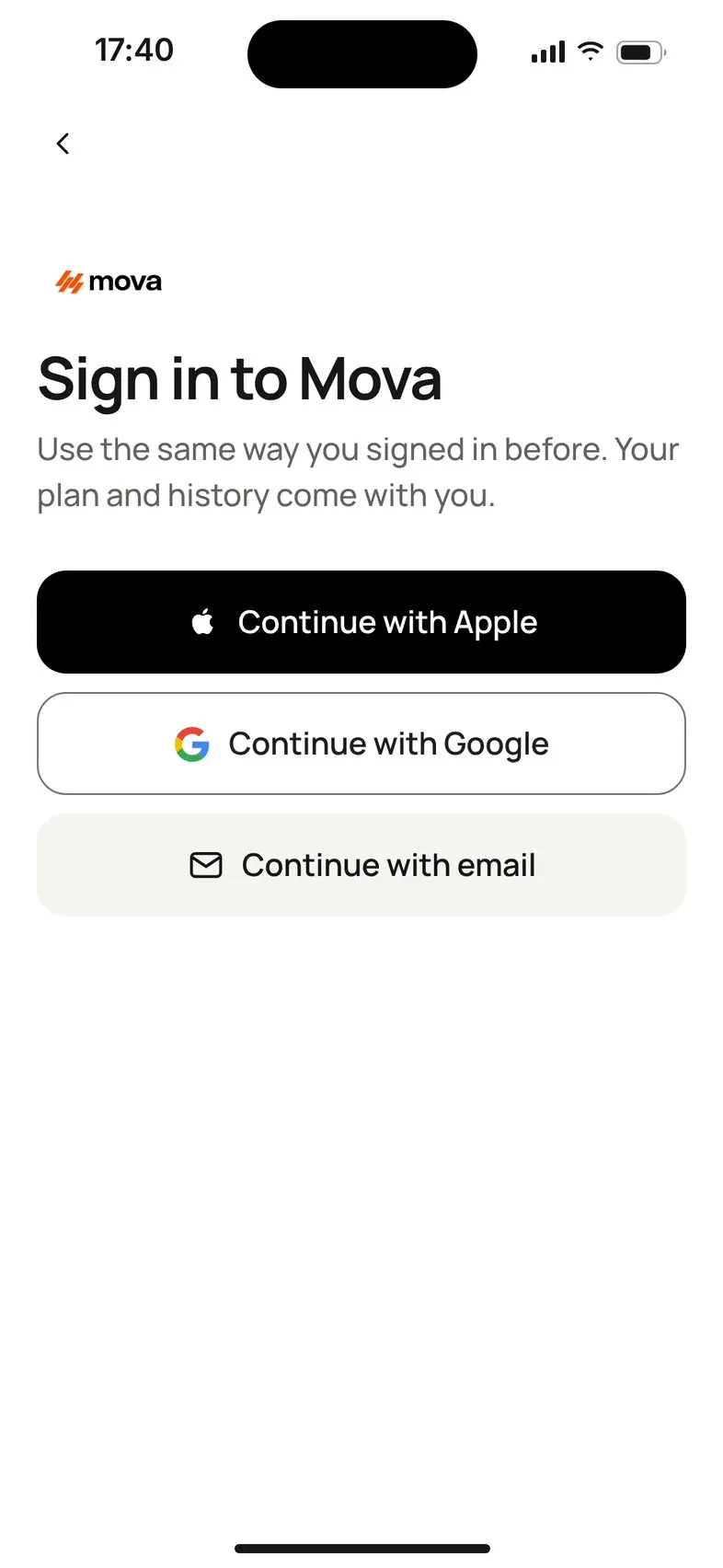
Mova has no passwords. You sign in with Apple, Google or a 6-digit code sent to your email. Always use the same method you used before, so your plan and history come with you.
Ways to sign in
- Continue with Apple (on iPhone)
- Continue with Google
- Continue with email: Mova emails you a 6-digit code. There’s no password.
Use the same method every time, so Mova finds your existing account and plan. To check which method you use, look in Profile & settings › Account › Sign-in method.
Sign in on a phone where you’re signed out
- On the Welcome screen, tap Already use Mova? Sign in.
- Sign in to Mova · Use the same way you signed in before. Your plan and history come with you. Choose your method.
- Mova shows Welcome back while it checks your membership, then opens Today.
You don’t answer the setup questions again. Moving to a new phone? See Moving to a new phone.
Signing in with email only works for an email address that already has a Mova account. If Mova says We couldn’t sign you in. Check the email address or try another method., check the address, or try Apple or Google if that’s what you used.
Sign out
- Go to Profile & settings › Account.
- Tap Sign out, and confirm Sign out of Mova?
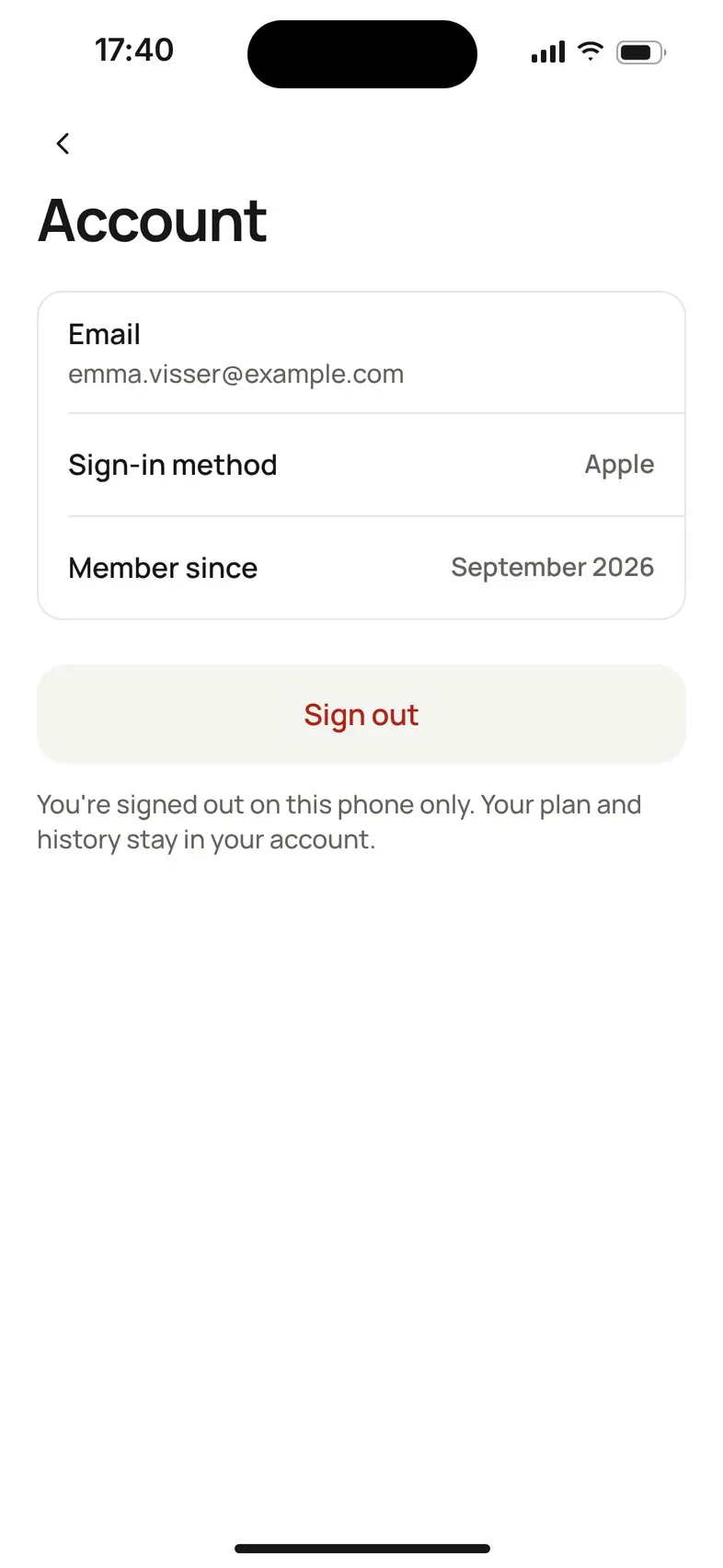
You’ll be signed out on this phone only. Your plan and history stay in your account. Signing out also turns off Mova’s reminders on this phone. It doesn’t cancel your membership.
- During a walk you can’t sign out: Finish or save your walk before you sign out.
- If Mova says Some changes from this phone haven’t uploaded yet, it’s safest to connect to the internet first and wait a moment. If you sign out anyway, the changes upload the next time you sign in on this phone.
Use a different account
On Welcome back, or when Mova can’t link your purchase, Use a different account signs you out on this phone so you can sign in with another account. Your purchase stays with your store account, so you can restore it after signing in.
If signing in fails
| Mova says | What to do |
|---|---|
| You’re offline. Connect and try again. | Check your connection. |
| We couldn’t sign you in with Apple (or Google) | Try again, or choose another way you’ve used before. |
| This sign-in is already linked to another Mova account. | Sign in with the method you use for this account. |
| Too many attempts. Wait a minute and try again. | Wait, then try again. |
| Your session ended. Please sign in again. | Sign in again with your usual method. |
Problems with the email code? See Didn’t get your sign-in code?
Didn’t solve it?
Email support@movawalk.com. From the app, Profile & settings › Help & support › Contact support adds your app version and support reference.